
Shopify Product Page Optimization Guide for Higher Conversions
Over 75 percent of American online shoppers abandon their carts due to poor user experience. That simple fact highlights a universal challenge for E-commerce entrepreneurs on Shopify striving for better sales. With customer preferences shifting quickly, user-friendly A/B testing has become the easiest way to adjust your site without technical headaches. This guide shares straightforward strategies to help you prepare, test, and improve your store—even if advanced coding sounds intimidating.
Table of Contents
- Step 1: Prepare Your Shopify Store for Optimization
- Step 2: Install and Configure Automagic.li for A/B Testing
- Step 3: Select High-Impact Product Page Variations
- Step 4: Deploy Automated A/B Tests Without Coding
- Step 5: Analyze Test Results and Implement Winning Changes
Quick Summary
| Key Insight | Explanation |
|---|---|
| 1. Curate an Engaging Product Lineup | Select products that resonate with target customers and align with their preferences to boost engagement. |
| 2. Optimize Technical Elements | Ensure a mobile-friendly design and fast loading times to enhance user experience and reduce bounce rates. |
| 3. Utilize Automated A/B Testing | Implement Automagic.li for automated testing processes, making conversion optimization easier without coding. |
| 4. Analyze Test Results Strategically | Focus on key performance indicators and make data-driven decisions to implement winning variations effectively. |
| 5. Start with Low-Risk A/B Tests | Begin testing with simple variations to minimize risk and avoid overwhelming analysis with too many options. |
Step 1: Prepare Your Shopify Store for Optimization
Optimizing your Shopify store begins with strategic preparation that sets the foundation for higher conversion rates. The key is understanding your store’s core elements and aligning them with customer expectations and technical performance standards.
Start by selecting products that resonate with your target market. Shopify supports various store configurations designed to help businesses create engaging online shopping experiences. This means carefully curating your product lineup, ensuring each item has compelling descriptions, high resolution images, and clear value propositions. Your product selection should reflect deep understanding of your customer demographics, purchasing behaviors, and preferences.
Next, focus on technical optimization. Configure your store with mobile-friendly themes and ensure fast loading speeds across devices. Implement intuitive navigation structures that guide customers seamlessly from product discovery to checkout. This involves selecting responsive themes, optimizing image sizes, and minimizing unnecessary design elements that could slow down your site.
Here’s how technical and strategic optimization steps differ for Shopify setup:
| Optimization Aspect | Technical Focus | Strategic Focus |
|---|---|---|
| Theme selection | Choose responsive mobile themes | Match brand and customer needs |
| Image handling | Optimize file sizes for speed | Use compelling, high-quality visuals |
| Navigation structure | Simplify for fast loading | Design for intuitive customer flow |
| Product lineup | Organize for performance | Target market preferences |
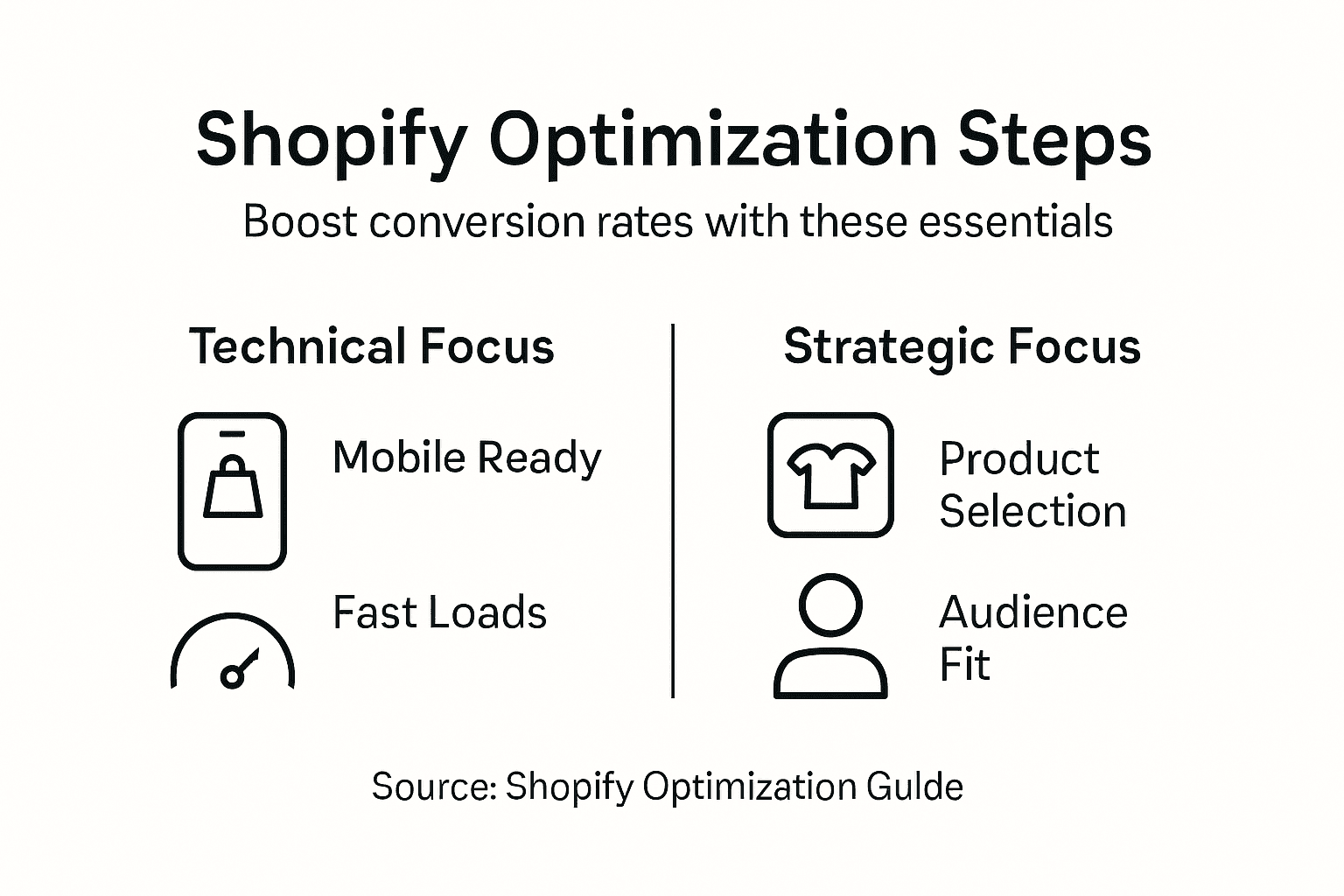
Pro Tip: Test your store’s mobile responsiveness on multiple devices to ensure a smooth user experience across smartphones and tablets.
Step 2: Install and Configure Automagic.li for A/B Testing
Setting up Automagic.li will transform your Shopify store’s optimization strategy by enabling data-driven testing and improvements. The installation process is designed to be straightforward, allowing even non-technical store owners to implement sophisticated conversion optimization techniques.
Automation testing involves selecting the right tool and integrating it seamlessly into your existing workflow. Begin by creating an Automagic.li account directly through their Shopify app integration. This process requires connecting your store’s admin credentials, which allows the platform to analyze your current site structure and recommend potential A/B testing opportunities. During configuration, you’ll select your primary conversion goals such as product page engagement, checkout completion rates, or overall sales performance.
The configuration phase is critical for setting up successful experiments. Comprehensive A/B testing requires understanding experiment design with control and variant groups. Automagic.li simplifies this by providing pre-configured test templates that automatically allocate traffic and collect performance data. Focus on selecting tests most relevant to your specific store’s needs, whether that involves tweaking product descriptions, adjusting image layouts, or modifying call-to-action button designs.
Pro Tip: Start with low-risk A/B tests that have minimal potential for negative impact and gradually progress to more complex optimization experiments.
Step 3: Select High-Impact Product Page Variations
Selecting the right product page variations can dramatically improve your Shopify store’s conversion rates. Your goal is to create test variations that provide meaningful insights into customer behavior and preferences.
Product presentation significantly influences consumer purchase intentions through strategic content formatting. Focus on creating variations that showcase your products from multiple angles such as video demonstrations, lifestyle images, detailed close ups, and compelling usage scenarios. These variations should highlight product benefits and address potential customer questions or concerns. Consider testing different image backgrounds, product positioning, zoom capabilities, and contextual imagery that helps customers visualize the product in their own lives.

Customer motivation plays a critical role in variation selection. Consumer preferences depend on product context and purchase type. For utilitarian products, lean toward clear, straightforward presentations. For pleasure or lifestyle products, experiment with more aspirational and emotionally engaging content formats. Your variations should aim to increase perceived product value, reduce purchase uncertainty, and create an intuitive path to conversion.
Pro Tip: Limit your initial A/B tests to 2-3 meaningful variations to maintain statistical significance and avoid overwhelming your analysis.
Step 4: Deploy Automated A/B Tests Without Coding
Automatic A/B testing eliminates the technical barriers that traditionally prevented Shopify store owners from optimizing their conversion strategies. This approach allows you to experiment and improve your product pages without requiring advanced programming skills or hiring expensive developers.
Automated testing tools mitigate repetitive manual testing by enabling predefined test scripts that run across different browsers and devices. Automagic.li simplifies this process by providing a no-code platform where you can select pre configured test variations, set your optimization goals, and let the system automatically manage traffic allocation and performance tracking. Look for variations that can be easily implemented such as button color changes, description rewrites, image replacements, or pricing display adjustments.
The key to successful automated testing is strategic selection and incremental implementation. Focus on creating variations that address specific conversion barriers or customer experience friction points. This might involve testing different product image layouts, adjusting call to action button positions, or experimenting with various description formats that highlight unique product benefits.
Below is a summary of key A/B testing elements and their impact:
| Element Tested | Common Variation Types | Impact on Conversion |
|---|---|---|
| Product images | Angle, background, contextual usage | Enhances trust, reduces doubt |
| Descriptions | Structure, wording, benefits listed | Clarifies value, motivates action |
| CTA buttons | Color, placement, text | Boosts engagement, directs focus |
| Price display | Formatting, highlighting deals | Drives purchase decisions |
Pro Tip: Always monitor your test results closely and be prepared to pause tests that show negative performance impact within the first 48 to 72 hours.
Step 5: Analyze Test Results and Implement Winning Changes
Analyzing A/B test results is a critical step that transforms raw data into actionable insights for your Shopify store’s optimization strategy. Your goal is to understand which variations genuinely improve conversion rates and customer experience.
Analyzing test results requires defining clear measurement objectives and evaluating statistical significance. When reviewing your A/B test data, focus on key performance indicators such as conversion rate, average order value, time on page, and bounce rate. Look beyond surface level metrics to understand the underlying customer behavior patterns. Pay special attention to variations that show consistent improvements across multiple performance dimensions, not just a single metric.
Successful implementation of winning changes involves a strategic approach to rolling out your most effective variations. Reporting findings in accessible formats supports informed decision making by helping you communicate insights clearly. Prioritize changes that demonstrate statistically significant improvements and align with your broader business goals. When implementing winning variations, do so incrementally and continue monitoring performance to ensure sustained positive impact.
Pro Tip: Always keep a backup of your original page design and be prepared to revert changes if the new variation does not consistently outperform the original version.
Unlock Higher Conversions for Your Shopify Store with Automagic.li
Optimizing your Shopify product pages to boost sales and engagement can feel complex and time-consuming. This guide highlights key challenges like selecting high-impact product variations and running automated A/B tests without code. Many store owners struggle with technical barriers, uncertain results, and difficulty interpreting test data to make confident decisions.
Automagic.li is designed to solve these exact pain points. With its AI-powered platform, you gain access to over 40 ready-to-use, high-impact A/B test variations tailored specifically for Shopify stores. You do not need programming skills or expensive developers because Automagic.li automatically adjusts each test to fit your unique site design. This lets you implement data-driven optimizations efficiently and confidently, overcoming common obstacles such as slow test deployment and unreliable results.
Discover how easy it is to improve your conversion rates by integrating AI-driven testing into your workflow. Learn more on our AI Shopify Optimization Platform and see how we simplify A/B testing for every Shopify store owner.
Ready to transform your Shopify sales?
Start optimizing like a pro with pre-built tests that deliver real results. Visit Automagic.li now to harness powerful AI-driven A/B testing and watch your conversions grow.
Frequently Asked Questions
How can I prepare my Shopify store for optimization?
To prepare your Shopify store for optimization, start by carefully selecting products that align with your target market’s preferences. Focus on ensuring that each product has compelling descriptions and high-quality images for maximum appeal. Additionally, configure your store with a mobile-friendly theme to enhance user experience across devices.
What is the role of A/B testing in optimizing my Shopify product pages?
A/B testing plays a key role in identifying which product page variations drive better conversion rates. Implement tests by selecting a few key changes, such as modifying images or descriptions, then analyze user interaction and sales data to determine which version performs best.
What types of variations should I consider for product pages?
You should consider variations that highlight the product’s benefits while addressing customer questions. Test different formats, such as lifestyle images, product dimensions, or usage scenarios, to find out what resonates best with your audience and increases engagement.
How do I analyze the results of my A/B tests?
To analyze A/B test results, focus on key performance indicators like conversion rate, average order value, and bounce rate. Use these metrics to determine which changes significantly improve performance, and prioritize implementing those winning variations to enhance your site’s effectiveness.
What are some common elements to test on product pages?
Common elements to test on product pages include product images, descriptions, call-to-action buttons, and pricing display. By modifying these elements, such as changing button colors or adjusting image layouts, you can significantly impact conversion rates and improve overall customer experience.
How often should I run A/B tests on my Shopify store?
You should consider running A/B tests regularly, aiming for at least one experiment every few weeks. This frequency allows you to continually optimize your product pages based on real user data and maintain a high conversion rate over time.